
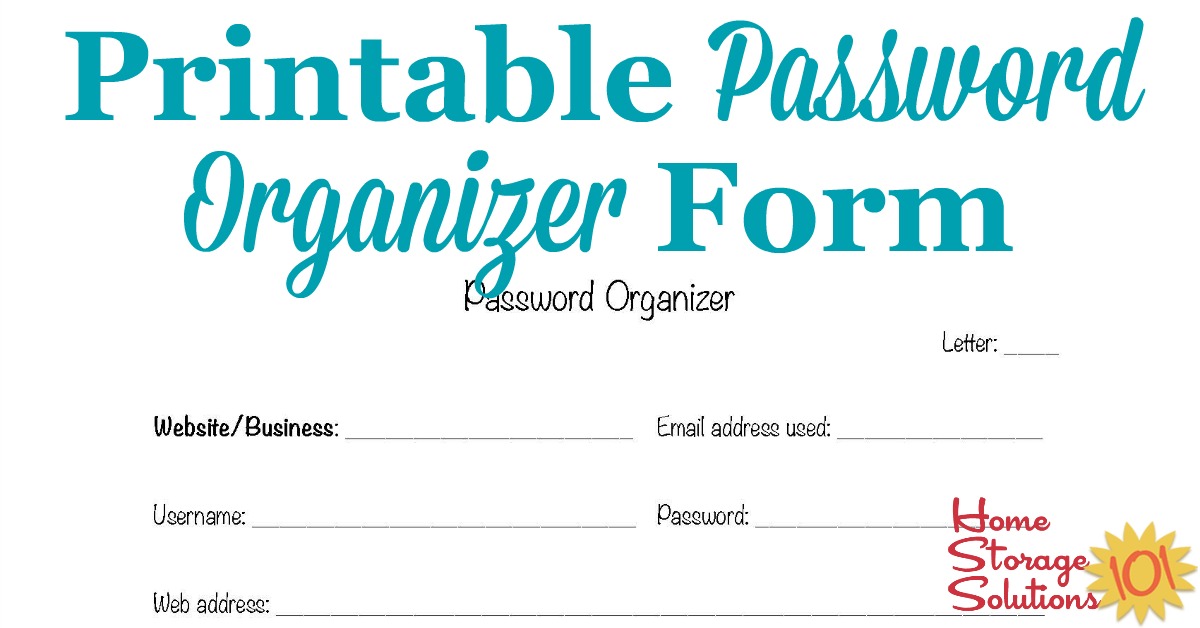
Printable Password Organizer Form
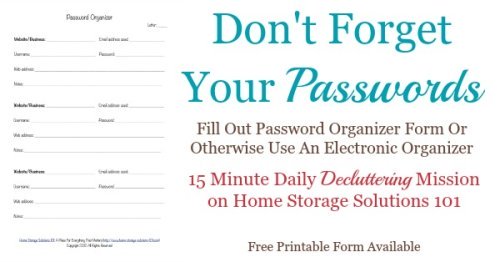
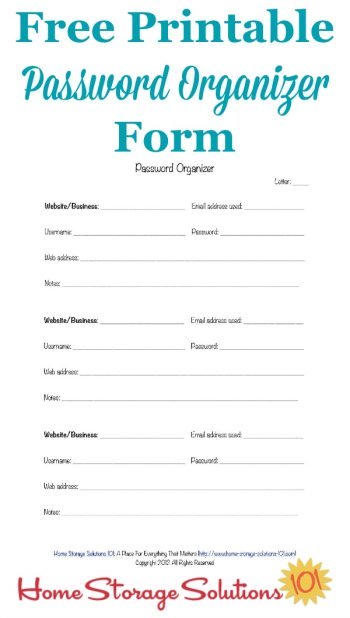
Use this free printable password organizer form to keep track of the passwords and usernames for websites and other business accounts, so you can remember how to access your information when needed.

How To Use This Form For Organizing Passwords
This form is pretty self-explanatory, but I did want to mention a couple of things about the way I designed it so you could get the best results from it that are possible.
You can find more information on how to organize passwords in the 52 Weeks to an Organized Home Challenge.
I have found that after you get a large number of online passwords, PIN numbers for various things, and pass codes, it can begin to get overwhelming to find the items in one long unorganized list.

Therefore, I think alphabetizing your list of passwords, at least by letter, works best.
Therefore, my suggestion would be to print at a least a couple of these pages and have one page for each letter, or perhaps a couple of letters on one page, such as A-C, for example.
I would then either hole punch them, or place them in page protectors, and either place them in a thin password journal or binder or folder, or as part of your other contact information.
Here's Your Free Printable Form
Click here to get your form
(opens into a new window, as PDF)
Alternatives To Using This Form For Password Organization

I have discussed in more detail in the Password Organization Challenge article why I encourage you to organize passwords in some form or another, but the short version is because it is next to impossible to remember unique passwords for each site you visit, and using the same password for everything is neither safe nor feasible since so many sites require specific requirements like, a certain number of characters, upper and lowercase letters, numerals or symbols, etc.
But you certainly don't have to use this form if something else works for you better. For example, you could use a password organizer booklet that's already been made for you, design your own, use a spare address book, or use a wide variety of software programs or apps. You can check out the Password Organization Hall of Fame here on the site, which shows how other readers, who've already organized their passwords, have done it to give you more ideas.
If you're looking for pre-made and pre-printed password organizer options here's one for you:
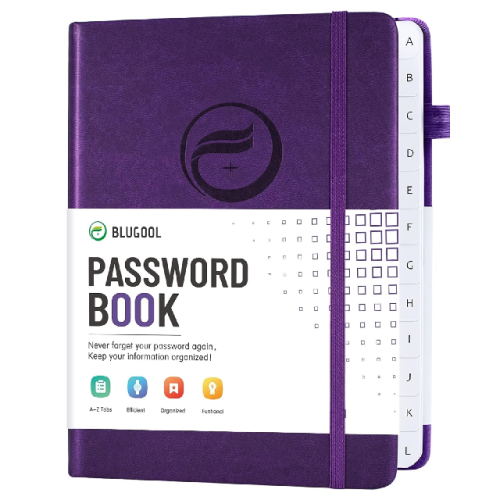 Click here for password organizer books on Amazon
Get This Paper & Filing Decluttering Checklist + 32 Other Decluttering Checklists For Your Home
Right now you're decluttering your papers and files, and there's a lot of types and varieties of these around your home.
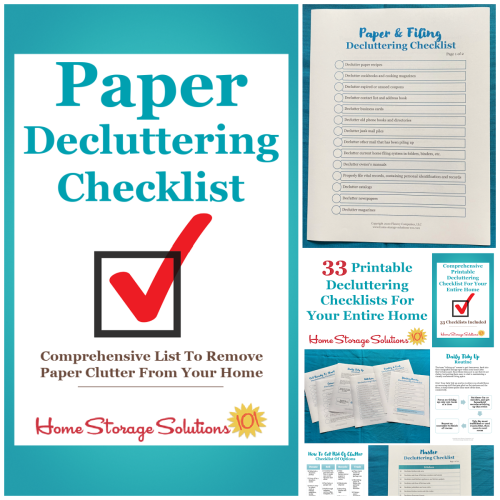
I've done the hard work of breaking down these tasks into smaller more manageable steps for you, so you don't get overwhelmed or worry you're forgetting a task, and you can go at the pace you want, whether that's fast or slow.
In addition, you can tackle these decluttering tasks in whatever order you want when you use these checklists!

Other Printables And Pages You May Find Helpful
Here are additional pages on the site you may find helpful for password organization, and otherwise using technology to keep you organized.
 Printable Address Book Pages |
 Monthly Bill Organizer Worksheet |
 App Store: Best Aps For Organizing & Home Management |
Some links on this page are affiliate links, meaning that if you purchase a product through them I receive a small commission which helps me provide this information to you for free, plus support my family. My integrity and your satisfaction are very important to me so I only recommend products I would purchase myself, and that I believe would benefit you. To learn more please see my disclosure statement.
Related Pages You May Enjoy
How To Get Organized: Printables & Checklists To Help You Get Started
Let's Stay Connected!


Subscribe To Decluttering & Organizing Newsletter

Join Declutter 365 Public Facebook Group (Over 1 Million Members)





Share Your Comments, Tips & Ideas
I would love to hear from you, sharing your thoughts, questions, or ideas about this topic, so leave me a comment below. I try to always respond back!